Sign in as usual
Use your normal Windows PIN or password. Nothing changes at sign-in — Frame simply waits for Windows to be ready.
Frame UI turns your Windows PC into a controller-first living-room hub for PC gaming, streaming, music, photos, headlines, weather and PC controls — built for your TV and ready from the sofa.
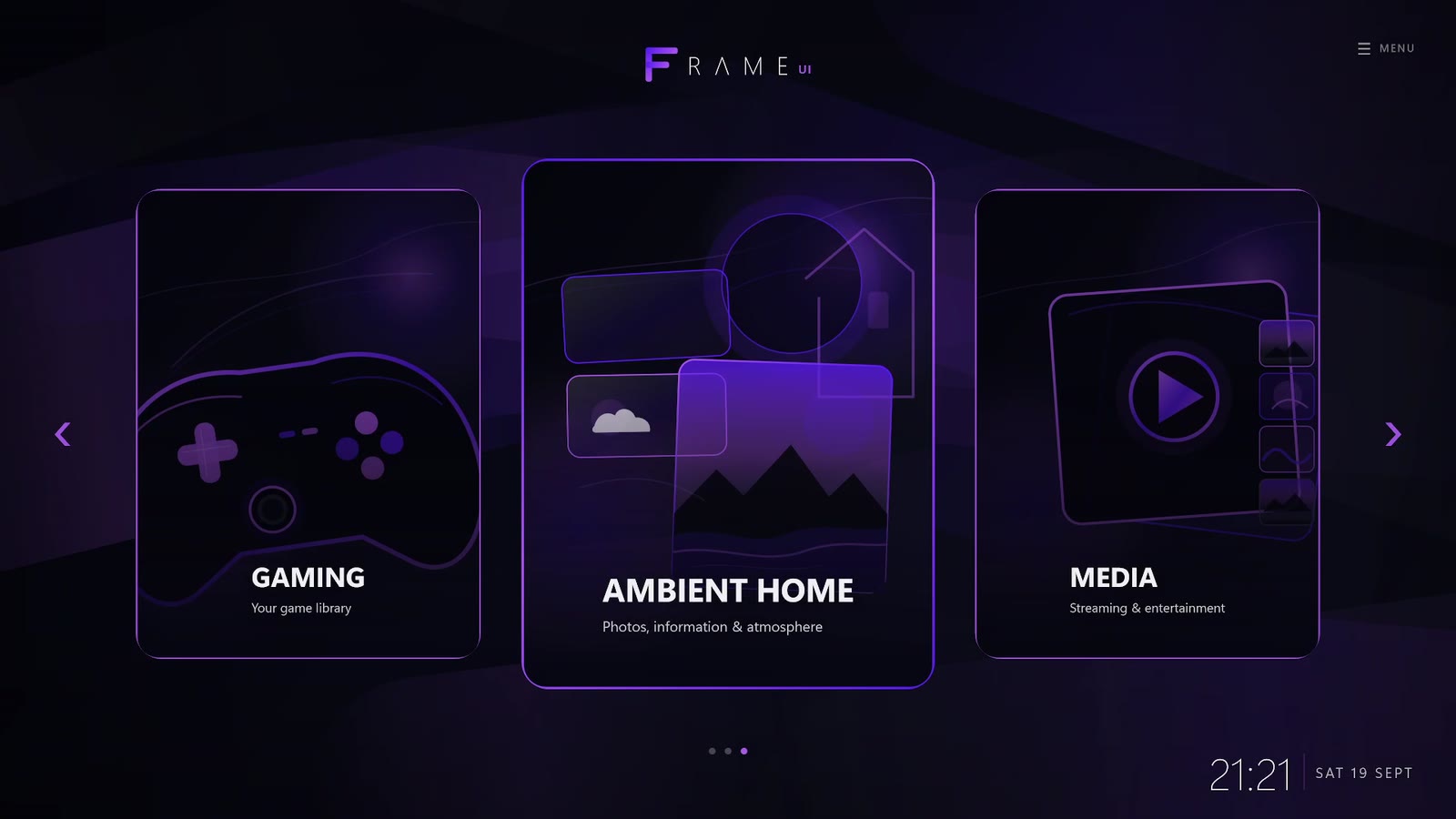

Your library
Photos & atmosphere
Streaming
No new account. No awkward launcher detour. Just a smoother route from Windows sign-in to a controller-first living-room home screen.
Use your normal Windows PIN or password. Nothing changes at sign-in — Frame simply waits for Windows to be ready.
As soon as your PC is ready, Frame opens automatically and turns your TV into a polished, controller-first home screen.
Games, streaming, music, photos and more — all from the sofa. Need the desktop? It's still one button-press away.
Everything you already love about your PC — games, apps, performance and flexibility — from the comfort of your controller.
Navigate from across the room with a gamepad or remote. No mouse required — unless you want one.
Bring games, streaming, music, photos, headlines and more together in one living-room hub.
Sign in normally, then Frame opens automatically and takes over full-screen.
Frame sits in front of Windows — it doesn't replace it. Your desktop is always there when you need it.
Themes, ambient scenes and layout options help Frame feel right at home on your TV.
Less fiddling. Less friction. More launching, watching, listening and relaxing.
Requirements: Some streaming services may require a separate paid subscription. Additional hardware may be required for wireless controller use.
A few quick answers before you turn your PC into a living-room hub.
If there's something we haven't covered, send it our way. We'd love to hear from you.
Join the free public beta waitlist for a controller-first Windows TV interface built around PC gaming, streaming, music, photos and everything else you want from the sofa.
Early-adopter bonus: the first 100 beta users will also receive the full release version of Frame UI free of charge.
Get beta access
No spam. Just beta access, launch availability and closely related Frame UI updates.
