
Why normal Windows feels awkward on a TV
A Windows PC connected to a TV can be brilliant: one machine can handle PC games, streaming services, music, photos, web apps and everything else Windows can run. The difficulty is not the hardware. It is the interface.
Desktop Windows assumes you are close to the screen. Menus are dense, small controls are common and many actions expect precise pointer input. From a sofa, that often means reaching for a wireless mouse or balancing a keyboard on your lap.
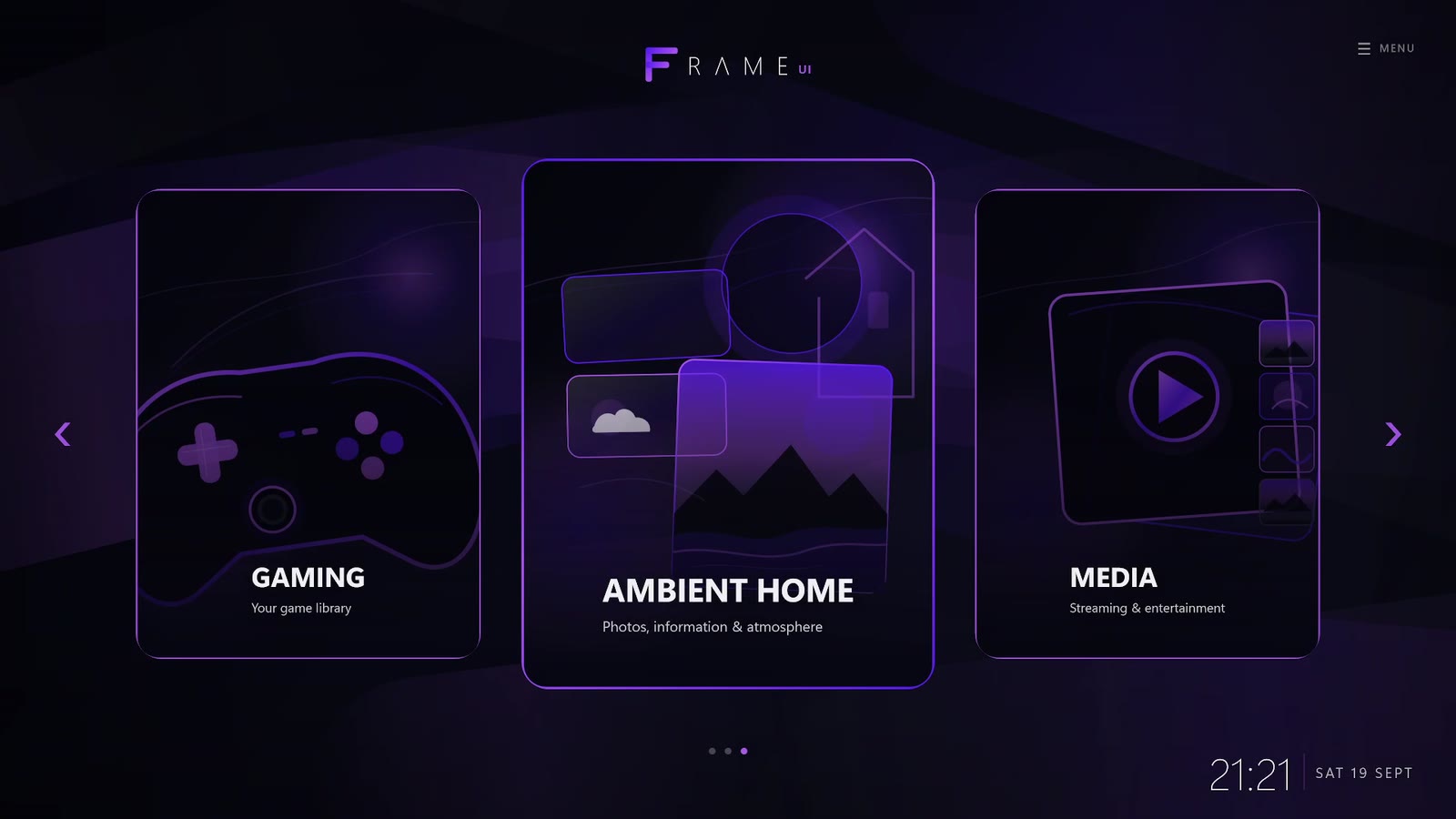
A dedicated Windows TV interface changes the starting point. Instead of dropping straight onto the desktop, you begin with a full-screen layout designed to be readable at a distance and navigated with a controller.
What makes a good Windows TV interface?
The best living-room interface should make the common things easy without pretending Windows no longer exists. In practice, that means a few priorities matter more than endless customisation.
- Large, readable controls. The interface should work at normal TV viewing distance.
- Controller-first navigation. Moving through the home screen should feel predictable with a D-pad or analogue stick.
- One place for different activities. Games, media, photos and useful information should not feel like unrelated desktop shortcuts.
- A clean route back to Windows. The desktop should remain available for updates, settings or anything that still needs traditional PC input.
- Fast startup. The experience should be ready soon after Windows sign-in rather than requiring a chain of launchers.
How Frame UI approaches the living-room problem
Frame UI is built around the idea that the television should feel like the natural home screen for the PC. It can launch after Windows sign-in and present a controller-first interface for games, streaming, music, photos, headlines, weather and common PC controls.
The important part is that Frame does not try to become a replacement operating system. Windows remains underneath. That means you keep the compatibility, performance and flexibility of a normal PC, while the everyday living-room layer is designed for the sofa.
Who is a Windows TV interface useful for?
It makes the most sense for a PC that spends a lot of time connected to a television: a dedicated gaming PC, a compact living-room machine, an HTPC, or even a normal desktop that is regularly used on a second big screen.
If your main goal is simply to play one Steam game, Steam Big Picture may already cover what you need. If you want a broader home screen that also includes media, photos, information and system controls, a more general living-room interface can make the machine feel much more at home under the TV.