
Controller-first is different from controller-only
Trying to force every Windows interaction through a gamepad can make a living-room PC more frustrating, not less. Some jobs — long text entry, detailed file management, certain setup screens — are still naturally easier with a keyboard and mouse.
A better target is controller-first: the things you do every day from the sofa should work smoothly with the controller, while traditional input remains available for the occasional edge case.
What good controller navigation feels like
On a television, focus needs to be obvious. Every press of the D-pad or stick should move to a predictable target, and the selected item should be visually clear from across the room.
Common controller conventions help: one button selects, one goes back, and menus should not require pointer precision. If a user has to wiggle a virtual mouse around just to launch a game, the interface is still fundamentally desktop-first.
Text entry and the unavoidable Windows moments
Passwords, search boxes and account prompts are where many controller-based setups break down. An on-screen keyboard can cover short text entry, while a companion phone or compact wireless keyboard can be useful for anything longer.
The important design choice is frequency. If you only need those fallbacks occasionally, the setup still feels controller-first. If you reach for them every session, the front-end is not removing enough friction.
How Frame UI uses the controller as the default input
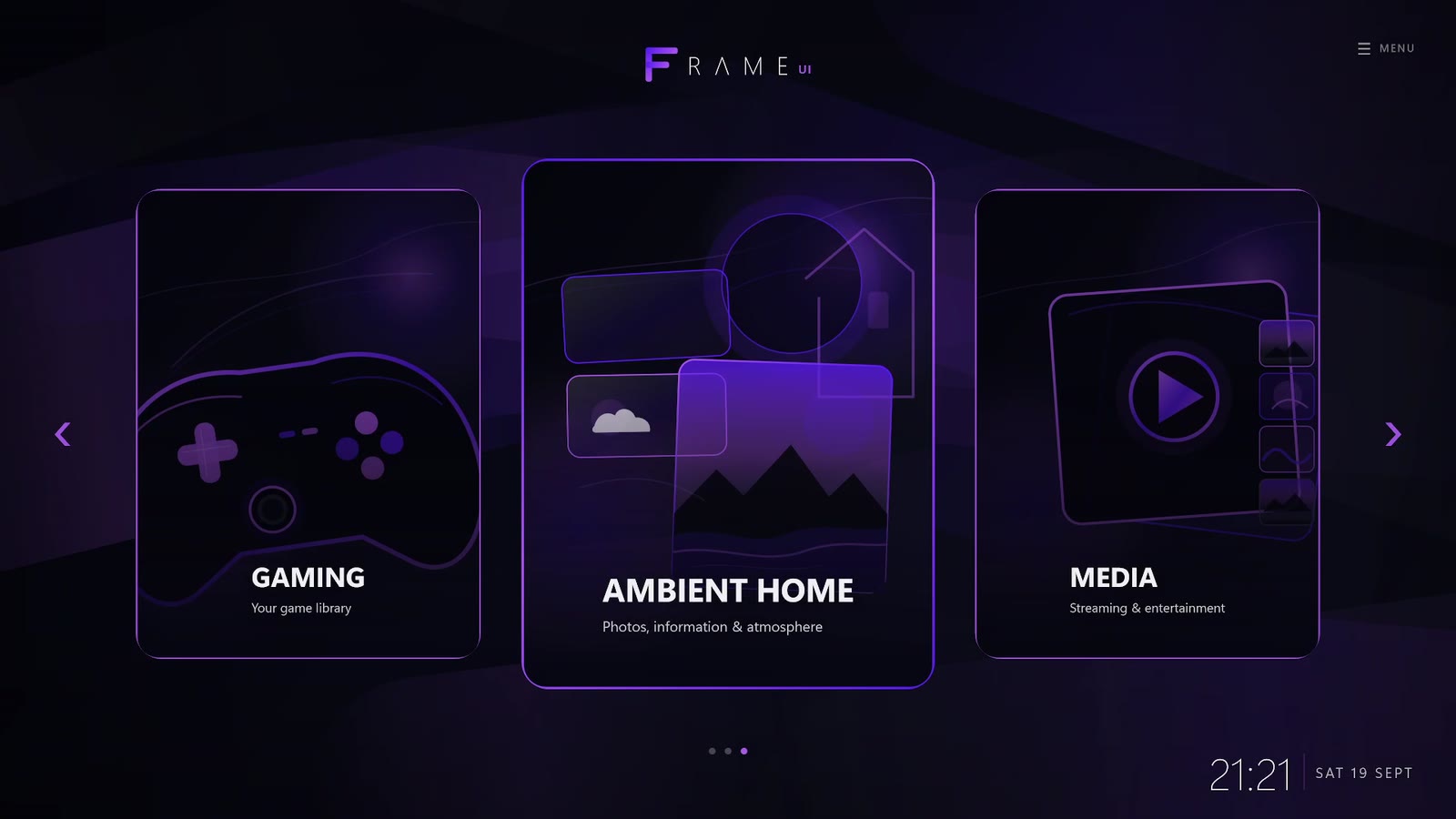
Frame UI is being built around gamepad navigation from the start rather than adding controller support to a mouse-first interface afterwards. The home experience is designed for TV viewing distance and controller focus movement.
Frame also keeps Windows underneath. That matters because no living-room interface can predict every utility, installer or unusual desktop workflow. When you need the full desktop, it is still there.
Xbox-style and PlayStation-style controllers on Windows
Windows has strong support for common gamepads, but behaviour can still vary between connection methods and individual games. Xbox-style layouts are especially common in PC titles, while PlayStation-style controllers can work well too.
For a living-room interface, the key is not just whether Windows can see the controller. The UI should communicate the correct actions clearly and avoid assuming the user is sitting close enough to decode tiny prompts.