
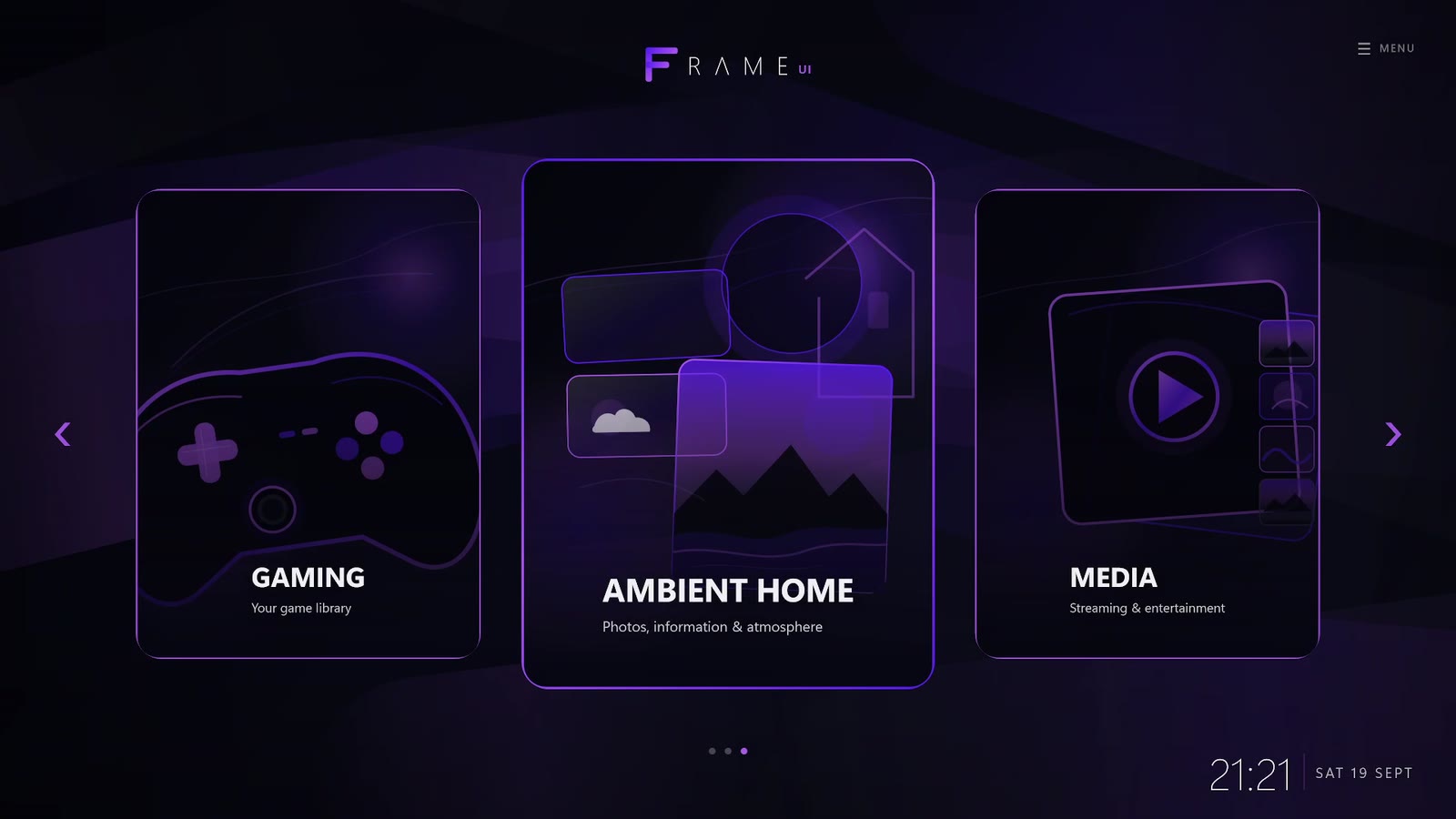
What does “turn a PC into a console” actually mean?
For most people, it does not mean replacing the operating system or removing the desktop. It means changing the everyday experience: power on, sign in, pick up a controller, choose something to play or watch, and get on with it.
A console-style PC setup should therefore focus on simplicity at the point of use. Full-screen presentation, controller navigation, automatic startup and a unified library matter more than making the PC technically identical to a console.
Why keeping Windows can be the best part
Windows gives you access to a huge range of games, stores, media services, applications and hardware. Replacing it can simplify some tasks but also means changing compatibility, drivers or software you already rely on.
Another option is to keep Windows exactly where it is and place a sofa-friendly layer on top. That gives you a console-like front door while preserving the normal desktop behind it.
The five ingredients of a console-style Windows PC
- Automatic launch: your TV interface should be ready after sign-in without several manual steps.
- Controller navigation: common actions should work from the gamepad.
- A unified home screen: games and living-room media should feel like part of one system.
- Reliable hand-off: launching a game or media service should feel deliberate rather than exposing random desktop windows.
- An escape hatch: you should be able to return to Windows when a task genuinely needs it.
How Frame UI is designed around that idea
Frame UI is a Windows application built specifically for the living room. It provides a full-screen home interface for controller use, with access to games, media, photos, ambient scenes, useful information and PC controls.
Because Frame runs on top of Windows, your existing machine is still your existing machine. You keep your game stores, applications and desktop. Frame changes the experience you see first when you are sitting on the sofa.
Why the home screen matters beyond gaming
A living-room PC is often connected to the best screen and speakers in the house. Limiting the interface to game launching misses part of the opportunity.
A broader home hub can also surface streaming, music, photos, weather, headlines and ambient visuals. That is the direction Frame takes: the PC becomes something the room can use even when nobody is actively gaming.